Soundbars ownership guide: placement, updates and remote-control friction
A soundbar remains useful when placement, television settings, source formats and controls work as one system. Most ownership friction comes from interfaces and room conditions, not from the headline channel count.
In this guide
Stabilise the signal path before changing equipment
Dropouts, weak dialogue and remote confusion are often configuration problems rather than proof that the bar is underpowered. Document the connections, preserve ventilation, calibrate one source at a time and keep a recoverable update and reset record.
Begin with the soundbar value guide, compare alternatives in soundbar versus powered speakers, and connect the display using the 4K television value guide.
| Symptom | First evidence | Controlled check | Avoid |
|---|---|---|---|
| No sound | Active TV output and cable path | One known source and format | Changing every setting |
| Poor dialogue | Listening position and mix | Dialogue mode at matched level | Only increasing bass |
| Remote conflict | CEC and device ownership | One control method at a time | Repeated blind pairing |
| Dropout | Firmware, cable and source log | Reproduce with fixed variables | Assuming wireless congestion |
Soundbar ownership record
- Map every cable and source.
- Photograph placement and clearance.
- Record TV audio output mode.
- Keep original remote accessible.
- Log firmware before updates.
- When troubleshooting the soundbar, change a single connection or setting and record its effect before adjusting another.
- Clean without blocking grilles.
- Store reset and support details.
Map the complete audio path
Write source, television input, television audio output, soundbar input and any subwoofer or rear connection. Label cables at both ends so a later move or fault does not turn into guesswork.
An app screen or illuminated input name is not enough. Confirm that the physical cable and selected ports match, especially where only one television socket supports ARC or eARC.
Choose ARC, eARC or optical deliberately
HDMI ARC and eARC can carry audio and control data, while optical is a simpler audio-only route with different format limits. Use the television and soundbar manuals for the exact models.
Do not buy a new cable solely because a format badge appears. First verify port capability, output setting, source format and whether the current cable reliably carries the required signal.
Preserve placement and ventilation
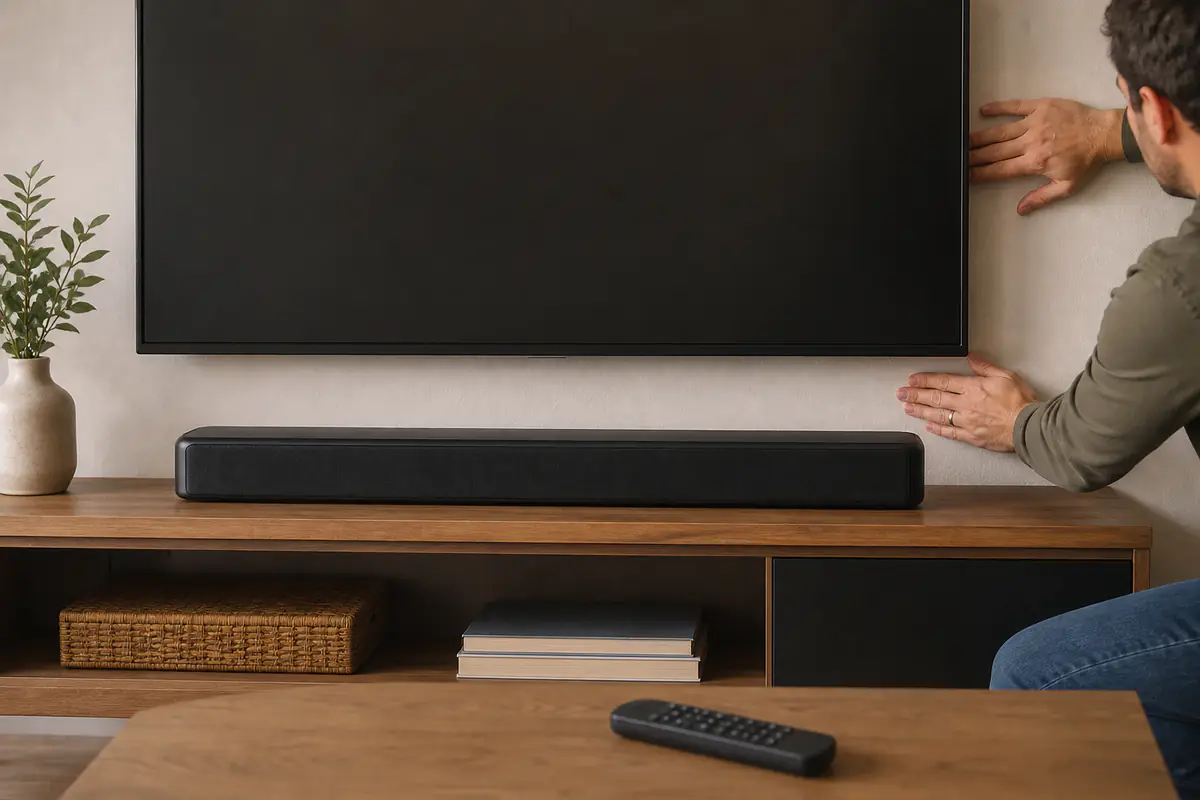
Keep drivers, top-firing units, microphones, displays and ventilation slots unobstructed. A deep television stand or decorative object can block sound or force reflections before volume becomes the issue.
Wall mounting should use the specified bracket, fixings and clearances. Keep cables supported without sharp bends and do not route mains leads where furniture movement can crush them.
Align the bar with the screen
Place the soundbar centrally where practical and avoid hiding it inside a closed cabinet. An off-centre bar can weaken the connection between dialogue and the on-screen speaker.
If the television stand blocks the bar or the bar blocks the screen, change the furniture or approved mounting arrangement rather than balancing either device on improvised spacers.
Position the subwoofer by evidence
Start with the manufacturer guidance and test several safe positions at the listening seat. Corners can increase some bass while exaggerating peaks and gaps created by room dimensions.
Keep the enclosure ventilated and away from loose objects that rattle. Wireless does not mean placement is unlimited: power, link reliability, pets and walkways still matter.
Set television output once and document it
Record the selected speaker output, digital format, passthrough option, lip-sync value and HDMI control setting. Photograph the menus because a television update or reset can change them.
Choose automatic, PCM or passthrough only after checking both manuals and source capability. A format name on the soundbar proves receipt, not that every programme uses all claimed channels.
Diagnose dialogue at matched volume
Compare normal, dialogue and night modes at the same perceived level. Louder settings can appear clearer even when the balance is not genuinely better.
Check the programme mix, listening position and room reflections. Use subtitles when appropriate rather than driving volume high enough to make effects uncomfortable for neighbours or household members.
Control HDMI-CEC expectations
Consumer Electronics Control lets devices exchange commands, but names and behaviour vary by manufacturer. Record which device should power on, select input and control volume.
Set up one soundbar control or audio connection first, confirm it works, then add the next dependency. If loops or unwanted input changes appear, simplify control rather than repeatedly factory-resetting the entire system.
Keep the original remote and app access
Store the physical remote with batteries removed for long periods only when the manual allows. Some setup, reset or sound modes may be difficult to reach from a television remote.
If an app is required, record account ownership and permissions. Do not grant contacts, location or microphone access unless the feature clearly needs it and the privacy choice is acceptable.
Update with a recovery plan
Read release notes where available, confirm stable power and network, and record current firmware and settings before an update. Avoid updating immediately before an event unless it solves a real problem.
If an update fails, follow the exact recovery sequence and contact official support. Do not install files from unofficial mirrors or interrupt power when the device warns against it.
Log dropouts by source and format
Record time, source, app or channel, format indicator, input and whether picture also failed. A short repeatable log is more useful than saying the bar is random.
Test one known source, cable and output mode. Wireless rear or subwoofer dropouts should also be checked against distance, obstruction and nearby interference without claiming a cause prematurely.
Correct lip sync conservatively
Start with the television and bar values at their documented defaults. Test broadcast, streaming and external HDMI separately because delay can originate at different processing stages.
Adjust one device rather than stacking offsets across source, television and bar. A setting that fixes one app but breaks every other source is not a stable system solution.
Clean grilles and surfaces safely
Power down and follow the material instructions. Use a dry or lightly appropriate cloth without spraying liquid into drivers, ports, displays or microphones.
Vacuuming a grille directly or using solvent can damage finishes and delicate components. Keep candles, drinks and plant moisture away from the electronics.
Plan for software and part support
Keep the model, serial, purchase proof, firmware and accessory list together. Check availability of remotes, wall brackets and power parts before loss creates a forced replacement.
Use total cost of ownership to include replacements and support. Browse Tech & Audio for related system decisions.
Manage night listening without hiding a fault
Night modes can reduce peaks and bass to protect neighbours or sleeping household members. Compare them at a controlled volume and record whether dialogue remains intelligible.
A night mode is not a repair for rattling, clipping or a badly placed subwoofer. Solve repeatable mechanical or signal problems before relying on processing.
Plan moves and cable changes
Before moving furniture, photograph bracket, cable strain relief and port labels. Power down all devices and support the soundbar by the housing points described in its manual.
After reconnection, test one source before restoring every app and control setting. This isolates a damaged cable or changed television menu without turning the move into a system-wide mystery.
Use measurement claims carefully
Channel counts, power figures and virtual-surround names are not directly comparable without method, room and format. Keep the listening requirement ahead of the largest number.
Use model-specific independent measurements only when the method is disclosed. A laboratory result can inform headroom or response but cannot guarantee dialogue clarity in a different room.
Retire or recycle responsibly
When support ends or a fault is uneconomic, remove personal account access, unpair apps and follow official reset guidance before transfer or recycling. Include only safe, matching accessories.
Do not put electrical equipment or batteries in general waste. Use an accepted collection route and keep reusable equipment in service only when it remains electrically and mechanically sound.
Use nearby displays without creating control loops
When a computer monitor or second television shares sources, document which device owns audio and HDMI control. Repeated automatic switching can come from the wider system rather than the soundbar alone.
Use the computer monitor value guide to keep display and audio requirements separate. Disable only the unnecessary control relationship instead of removing every useful feature.
What should you do when soundbar friction appears?
The fault follows settings or one source
A documented connection, format and control check can restore predictable operation without new hardware.
The fault is repeatable and isolated
Known-good cables, sources and official recovery steps leave a hardware or support limitation unresolved.
Balanced verdict
Good soundbar ownership is controlled system management. Document signal path, placement, controls and firmware before escalating a symptom into a purchase.
A simpler stable connection can be more valuable than an unused format badge or complicated app routine.
Official checks:
HDMI Licensing Administrator specification overview ↗
Ofcom television and on-demand advice ↗
GOV.UK product safety advice ↗
Recycle Your Electricals guidance ↗
Frequently asked questions
Should a soundbar use HDMI or optical?
Use the connection whose capabilities match both exact devices and required formats; HDMI adds control features, while optical can be simpler.
Why is dialogue hard to hear?
Programme mix, placement, room reflections, listening position and mode can all contribute; compare at matched volume.
Should firmware always be updated immediately?
Not necessarily — Read official guidance, preserve settings and update with stable power and a recovery plan.
Can a television remote control every soundbar feature?
Often it can handle power and volume, but setup, reset and specialist modes may still require the original remote or app.
How should dropouts be investigated?
Log source, input, format and time, then change one variable using known-good cables and official settings.
Methodology and limitations
We assessed ownership through signal path, placement, formats, HDMI control, dialogue, subwoofer integration, firmware, cleaning, troubleshooting and support. We did not test individual soundbars.
Limitations
Ports, formats, menus, apps, firmware and room acoustics vary. Follow the exact television, source and soundbar manuals and use official support for persistent faults.