4K television value guide: panel, HDR, HDMI, gaming and total cost
A 4K television is good value when its size, panel behaviour, connections and software fit the room and sources. Resolution alone says little about contrast, motion, reflections or years of support.
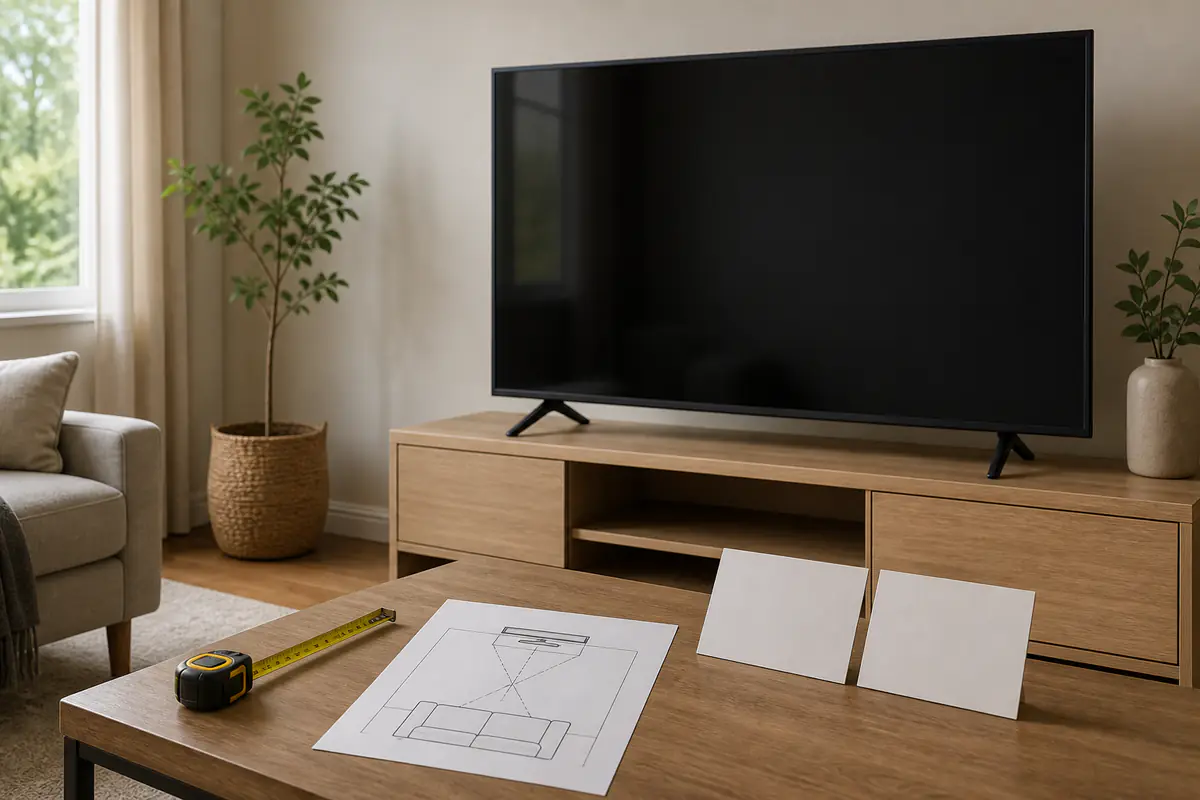
In this guide
Pay for the viewing conditions and sources you actually have
Choose size and room fit first, then contrast, brightness, motion, HDMI and software. A cheaper compatible television used for ordinary viewing can beat a premium set whose gaming features, peak brightness or ecosystem are unused.
Choose fundamentals with the 4K television buying guide, plan audio using the soundbar value guide, and trace connections with the signal-chain guide.
| Use | Evidence worth paying for | Hidden cost | False shortcut |
|---|---|---|---|
| Films in dim room | Contrast, local control and accurate modes | Sound and blackout control | Resolution badge |
| Bright living room | Sustained brightness and reflection handling | Stand or wall position | Maximum peak figure |
| Gaming | Inputs, refresh, VRR, latency and source support | Compatible cables and console | HDMI 2.1 label alone |
| Long ownership | Updates, tuner, ports, repair and energy | Streaming device or audio upgrade | Launch price |
Television value worksheet
- Measure viewing distance and cabinet.
- Record daylight and reflection sources.
- List broadcast and streaming habits.
- List every console and external source.
- Check HDMI features per physical port.
- Plan audio, stand and wall access.
- Compare energy and update support.
- Keep a returnable setup test plan.
Choose physical size from the room
Measure wall or cabinet width, stand footprint, viewing distance, doorways and access for installation. Include ventilation and cable bend space.
A larger screen can improve immersion but magnifies reflections, low-quality sources and furniture conflict. Mark the outline before ordering.
Separate 4K resolution from picture quality
Most current larger televisions are 4K, but contrast, colour accuracy, tone mapping, motion and processing determine much of the visible result.
Do not pay extra simply for a UHD label. Compare the same familiar source and picture mode at a realistic distance.
Match panel behaviour to viewing angle
Panel technologies differ in black level, brightness, uniformity, response and off-axis appearance. The implementation matters more than a broad acronym.
Map where people sit. A strong central image that changes significantly from side seats may be poor household value.
Judge brightness with room reflections
Record windows, lamps and viewing time. Peak highlight brightness and sustained full-screen brightness answer different questions.
Reflection handling and position can matter more than another brightness tier. Do not place a screen where direct sun or heat conflicts with manufacturer guidance.
Treat HDR formats as a source chain
A format badge requires compatible content, app or player, television input and settings. The panel must also have enough range to render a meaningful result.
Check the services and discs actually used. Paying for a format that rarely appears in the household sources adds little value.
Compare motion for real content
Test broadcast sport, films, scrolling credits and games separately. Motion interpolation can smooth sport but create an artificial look in cinema.
Value includes accessible controls and a stable preferred setting, not the maximum number of processing modes.
Check HDMI features port by port
Record which ports support eARC, high refresh, variable refresh rate and required bandwidth. Marketing may apply a feature to only some inputs.
Map every console, soundbar and player before purchase. An external switch or repeated cable changes are hidden costs.
Price gaming features by actual console use
High refresh, VRR, low latency and HDR gaming matter only when the console, game and selected input support them. Test the correct game mode.
A gaming premium is wasted for streaming-only use. Conversely, too few capable ports can make a cheaper set expensive to work around.
Plan sound separately from picture
Thin televisions often have physical audio limits. Test dialogue and normal volume, then price a soundbar or speakers before choosing a cabinet or wall position.
Audio upgrades require HDMI, power and space. A television bargain that forces an unplanned system is not the final cost.
Compare software and account dependence
Check required accounts, app availability, update policy, privacy controls and whether core inputs and broadcast functions remain usable without extra services.
A separate streaming device can extend app life but adds power, remote and input cost. Include it if the built-in platform is unlikely to meet the intended years.
Include tuner and recording needs
Confirm the UK tuner, programme guide and recording support needed. Some sets require external storage or do not support the household’s preferred broadcast workflow.
Do not assume every 4K display is an equivalent television. A monitor-style product can omit core broadcast features.
Build total ownership cost
Use the ownership-cost guide for stand, wall mount, installation, cables, audio, streaming device, power and repair.
Compare energy labels and credible hours through the appliance-efficiency guide. A small annual difference compounds but should not replace picture suitability.
Inspect delivery and panel condition
Large screens need careful transport and two-person handling as instructed. Inspect carton damage, screen surface, stand parts and accessories before disposal.
Run permitted uniformity and connection checks without obsessive test patterns. Record material faults within the return window.
Choose from a normal-week test
Watch ordinary broadcast, streaming, film and gaming at day and night settings. Check motion, reflections, dialogue, remote use, input switching and standby.
The Tech & Audio can help assess related equipment without adding unnecessary purchases to the TV’s total cost. Keep packaging until the decision is final and do not wall-mount before accepting the set.
Compare local dimming and black-level claims carefully
Backlight zones, algorithms and panel contrast affect halos, dark-scene detail and subtitles. Zone count alone cannot predict the complete result, and self-emissive panels have different trade-offs.
Use ordinary dark content and seating positions rather than one demonstration clip. Pay more only when the improvement is visible in the room and content that matter.
Consider burn-in, retention and static use proportionately
Panel types differ in their response to prolonged static graphics, while modern protection and varied use reduce risk. Follow the exact manufacturer guidance instead of treating all screens as identical.
A household using news tickers, games with fixed interfaces or a television as a dashboard should include that pattern in the choice. Do not disable protection features for convenience.
Check accessibility and household control
Test subtitles, audio description access, menu legibility, voice guidance, remote layout and the ability to reach inputs without a phone. These daily functions can matter more than another picture mode.
A television that one household member cannot operate independently is poor value. Record whether essential accessibility features survive account or network changes.
Compare repairability and warranty route
Check the warranty provider, duration, dead-pixel terms where published, collection or engineer route and availability of remote, stand and power parts. Keep model and serial evidence privately.
A large screen is difficult to transport for service, so on-site support or retailer handling can have material value. Do not discard the safe packing plan immediately after setup.
Plan end-of-life and resale without inflating value
A supported stand, remote and complete input set can help reuse or resale, but future price is uncertain. Keep accessories and reset accounts securely before transfer.
Use official electrical recycling routes for an unusable set. Avoid buying a larger or more power-hungry television solely because a speculative resale figure makes the spreadsheet look favourable.
Use accurate picture modes before judging upgrades
Start with a neutral cinema, filmmaker or standard mode appropriate to the room rather than a vivid shop preset. Disable or reduce processing one control at a time and keep notes.
Professional calibration can benefit a demanding setup, but include its cost and do not assume every household will see enough improvement. A stable accurate default is often the better-value outcome.
Measure the packaged television and installation route
The carton can be much larger than the screen. Check vehicle, doorway, stair and lift access, plus the number of people and orientation required by the manufacturer.
A failed delivery or unsafe lift is a real ownership cost. Arrange professional delivery or mounting where size and wall structure make it proportionate.
Where is the best-value tier?
Room fit and everyday sources dominate
Size, contrast, reflections, motion, inputs and software meet the real week without unused premium gaming or HDR features.
A measured limitation justifies it
Bright-room control, film contrast, wide seating, capable HDMI ports or gaming features solve a specific source and room need.
Balanced verdict
4K television value comes from the complete room-and-source system. Choose the physical size, panel behaviour and port map first, then price sound, mounting, software life and energy.
Resolution is now the baseline; compatibility, controlled picture and maintainable ownership determine value.
Official checks:
Ofcom television and on-demand information ↗
HDMI official gaming features ↗
GOV.UK product energy labelling ↗
Frequently asked questions
Is every 4K television picture equally sharp?
No — Source quality, processing, screen size and distance affect detail, while contrast and motion strongly affect perceived quality.
Do I need HDMI 2.1?
Only for specific features and sources. Check capability per port rather than relying on the label.
Is a brighter television always better?
No — Match sustained brightness and reflection handling to the room; excessive output can be uncomfortable in dark viewing.
Should soundbar cost be included?
Yes if built-in dialogue or scale is unlikely to meet the use. Include hardware, cable, mount and power.
How should a television be tested at home?
Use normal content in day and night conditions, check every source and preserve packaging during the return window.
Methodology and limitations
We assessed 4K television value through room size, resolution, panel behaviour, brightness, HDR, motion, HDMI, gaming, sound, software, tuner, ownership cost, delivery and home trial. We did not laboratory-measure panels.
Limitations
Exact panels, firmware, port features and support vary by model, size and region. Confirm the UK model specification, energy label, warranty and return terms before purchase.