Choosing an SD card reader: formats, UHS buses, interfaces and speed claims
A fast memory card does not guarantee a fast transfer. The card, reader, host port, cable, storage drive and workload all set limits, so buy for the slowest confirmed link rather than the largest number on the listing.
In this guide
Match the reader to the cards and computer already owned
Check full-size SD or microSD, SDHC/SDXC capacity family, UHS-I or UHS-II contact layout, and the computer’s real USB or Thunderbolt capability. Pay for UHS-II only when both the card and workflow can use it; a faster connector shape alone changes nothing.
Reader listings mix card standards, bus interfaces and peak test figures. USB-C describes the plug, not the transfer speed behind it. UHS-II describes an SD bus with a second row of contacts, not the computer connection. A useful purchase separates those systems, then checks whether two slots work at the same time and whether large transfers remain stable.
Map the end-to-end transfer path
| Link | Evidence to check | Typical mistake |
|---|---|---|
| Memory card | SD/microSD, SDHC/SDXC, UHS bus and maker-rated read performance | Reading a video-speed symbol as a guaranteed copy speed. |
| Reader | Supported card families, UHS interface and simultaneous-slot behaviour | Assuming every visible slot is independently fast. |
| Host link | USB generation, Thunderbolt/USB4 where relevant, cable specification | Treating all USB-C ports as identical. |
| Destination | Internal or external drive write speed and available space | Blaming the reader when a nearly full drive is limiting the copy. |
| Workload | Large video files or thousands of small files | Expecting a headline sequential result in every transfer. |
Write down the card labels and inspect the contacts. UHS-II cards have a second contact row and need a compatible reader and host path to realise that interface. They remain physically usable in many UHS-I contexts, but at the common supported mode. The SD Association publishes the authoritative bus and capacity families.
Separate speed class from reader throughput
Speed Class, UHS Speed Class and Video Speed Class primarily express minimum sequential writing performance under the relevant SD standards. That is important for recording video without dropped frames. A reader advertisement, by contrast, usually highlights a potential read figure. The numbers answer different questions.
The SD Association lists C, U and V classes and explains that the host and card need a compatible mode. A V30 mark does not promise that every file copies at exactly 30 MB/s, and a reader’s “up to” figure is not a floor. Our specification-claims guide helps distinguish a maximum, a minimum class and a measured result.
Choose UHS-I or UHS-II from the workload
- UHS-I reader: sensible for existing UHS-I cards, routine photo imports and lower-cost travel kits.
- UHS-II reader: useful for frequent large transfers from matching UHS-II cards, provided the host link and destination are not slower.
- SD Express reader: a specialised choice that requires exact card and host compatibility; do not infer it from USB-C.
- Legacy cards: check explicit SD/SDHC/SDXC support and file-system compatibility with the operating system.
- microSD adapter: adds another physical contact point; a native microSD slot may be tidier for frequent use.
Time a representative transfer on the current setup before upgrading. If copying one card weekly takes four minutes, halving that time saves two minutes; that may not justify a premium. A professional ingesting several cards daily has a different value calculation. Apply our total-cost-of-ownership framework to time saved, cable replacement and required adapters.
Check whether slots work simultaneously
A dual-slot shell may let you insert SD and microSD together but expose only one card at a time, or divide the same upstream bandwidth. Product pages should say whether simultaneous reading, card-to-card copying or independent mounting is supported. Do not assume it from photographs.
Card-to-card copying is convenient but writes and reads through one device, increasing shared demand and the consequence of disconnection. For important material, copy to a known destination, verify files, then back up before reformatting a card. A reader is a transfer tool, not a backup.
Inspect cable, connector and desk mechanics
A rigid dongle hanging from a laptop can block a neighbouring port and transmit knocks to the connector. A short cable may suit a desk or phone, while a replaceable cable is easier to service. Confirm that the supplied cable supports the claimed data mode; a charging-only or slower spare can silently reduce performance.
For travel, look for a protected card slot, no sharp edge against the contacts and a cable that packs without extreme bending. Full-size cards should insert in the documented orientation with enough grip to remove them. Our laptop docking-station guide explains why shared hubs and docks can change available bandwidth.
Check software and device compatibility
Ordinary readers often use built-in mass-storage support, but the product still needs to state compatible operating systems and card formats. Phones and tablets may require file-app support, suitable power and a connector that does not conflict with a case. Cameras that transfer over USB may provide a simpler alternative for occasional use.
If the reader depends on firmware or a proprietary utility, confirm the support page exists and covers the current operating system. Avoid downloading drivers from a marketplace attachment or unrelated mirror. Our genuine-shop checklist and refurbished-tech guide cover seller evidence and missing accessories.
Value consistency above a one-off benchmark
A single large-file test can produce an attractive result while hiding disconnections, thermal slowdown or poor small-file performance. Run the same representative import twice and note elapsed time, whether the card stayed mounted and whether the copied folder opens correctly. The reader that remains stable is more useful than one that wins an isolated peak.
Do not compare unlike units or directions. Megabits and megabytes differ, and write-to-card testing is not the same as reading from it. File-system overhead and thousands of thumbnails can reduce apparent throughput without indicating a fault. Record the test folder and destination so a future result is comparable.
Inspect build quality without damaging contacts
The card should enter straight, stop positively and remain supported. Excessive force, side play, exposed sharp seams or a slot that allows the card to tilt can threaten contacts. A spring-loaded mechanism should release predictably without launching the card. Return a reader with intermittent contact rather than repeatedly reinserting valuable media.
Activity lights are useful only when their meaning is documented. Never remove a card merely because a light stops flashing; use the operating system’s eject command and wait for confirmation. A write operation may still be cached after a progress window appears complete.
Consider identification when several readers and cards share a desk. A small non-obstructive label on the cable can prevent a UHS-I travel reader being mistaken for the faster ingest unit. Keep protective card cases nearby and establish a clear physical position for cards awaiting copy, copied cards and cards safe to format.
If portability matters, weigh the complete kit: reader, cable, adapters and protective case. A larger multi-slot hub may replace several items, but only when its documented port sharing suits the workflow. Otherwise, one compact reader for the card type actually used creates fewer failure points.
Test safely before relying on it
Use a non-critical card first. Copy a large folder, compare file counts, open a selection of files and eject through the operating system before removal. Then repeat through the intended port, hub and cable. Check heat and disconnections during a sustained transfer rather than only a quick speed test.
Performance tools can be useful, but avoid destructive write tests on cards containing the only copy of material. A suspiciously low result may originate from the card, reader, cable, port, hub or destination. Change one element at a time.
Which reader suits the job?
Your cards and imports are ordinary
The reader explicitly supports the card family, the host port is confirmed and modest transfers do not justify extra cost or bulk.
Matching cards create repeated large transfers
The second contact row, host link and destination all support the workflow, and measured time saved has practical value.
Balanced verdict
The right card reader matches standards end to end and behaves reliably under sustained use. Format, UHS bus, host interface, cable and destination matter together. A documented UHS-I reader can be the better buy than a vague “ultra-fast” multi-slot hub.
Continue with our camera-storage and privacy guide, future-proof technology guide, USB-C charger guide and the Tech & Audio archive.
Check current official sources:
SD Association speed-class overview ↗SD Association bus-speed overview ↗SD Association capacity standards ↗
Frequently asked questions
Will a UHS-II reader make a UHS-I card faster?
It cannot give the card a bus it does not support. The combination generally operates at a mutually supported mode.
Does USB-C mean the reader is fast?
No. USB-C is a connector shape. Check the reader, cable and host port’s supported data standard.
Can an SD reader also read microSD?
Only with a stated microSD slot or a suitable adapter. Confirm the supported capacity family and interface.
Why is transfer speed below the advertised figure?
Headline figures are usually maxima under particular tests. Card, file mix, reader, cable, port, hub and destination can each limit real transfers.
Can I use a card reader as backup storage?
No. It transfers data. Keep verified copies on separate suitable storage before erasing or reformatting a card.
Methodology and limitations
We assessed readers through card family, UHS bus, host link, workload, simultaneous slots, mechanics, software support and safe testing. This is specification-led, not a benchmark of a named model.
Limitations
Firmware, operating systems and card revisions vary. Recheck the exact card, reader, cable, port and destination specifications before purchase.
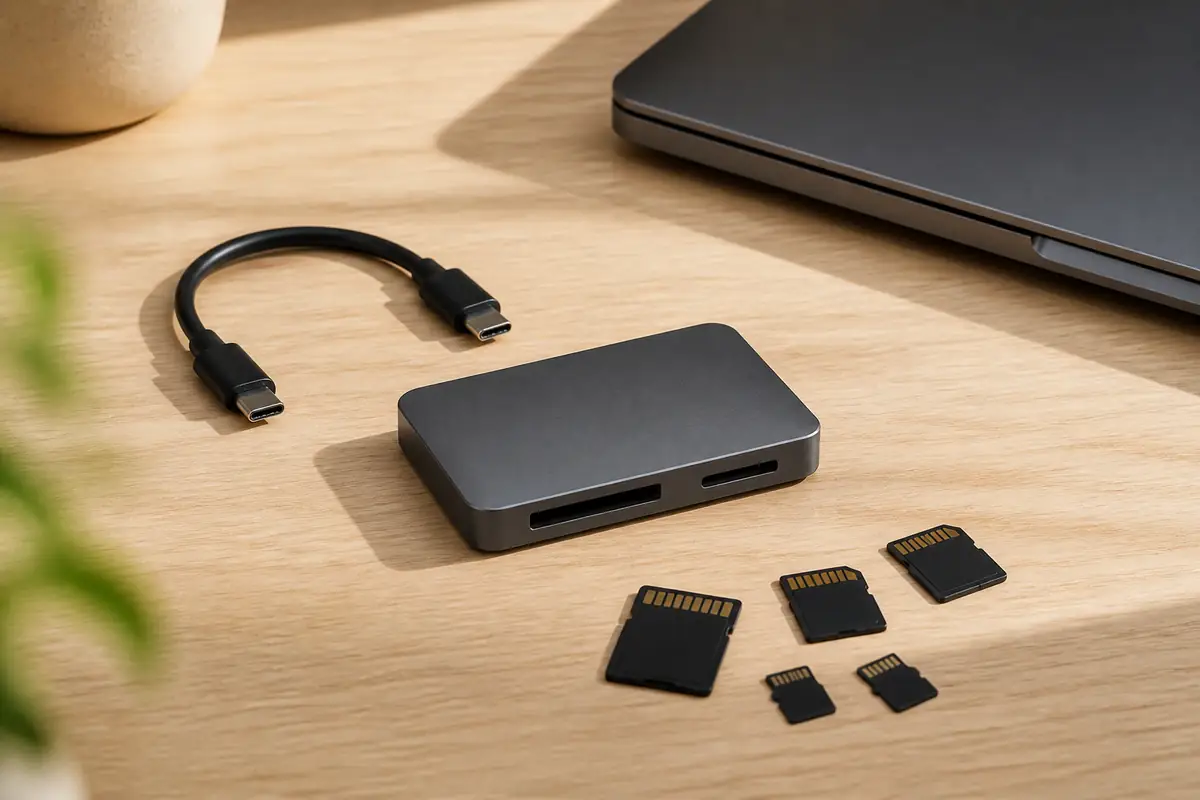
The image is an editorial illustration, not a photograph from a product test. Links are editorial and non-affiliate.